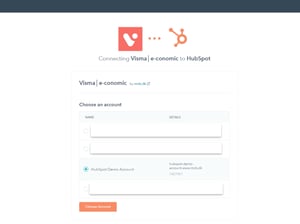
Install from HubSpot Marketplace
Install the Visma e-conomic app directly from the HubSpot App Marketplace. During the installation, you will be asked which HubSpot account the app should be connected to.
Once the account has been selected, you will automatically be redirected to a secure connection flow where you can connect your e-conomic platform.
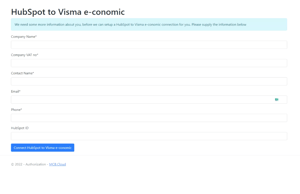
Access to MCB.Cloud integration platform
After completing the first step, you will be redirected to our integration platform, where you’ll provide a few details about your company.
This allows us to start configuring your integration and tailor it to your specific HubSpot setup.
While the integration is built on best practices, we still offer plenty of flexibility to adapt the setup to your workflows and preferences.
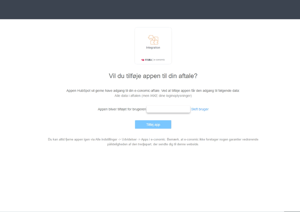
Access to Visma E-conomic
The final step is simply to grant our app access to your Visma e-conomic account, allowing us to begin setting up and configuring your integration.
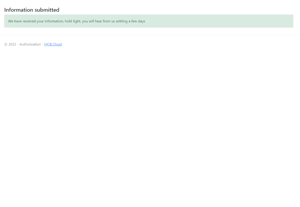
The installation is complete
Once all three steps have been completed, you will see a confirmation message. Our team will then reach out as soon as possible to begin your personalized Visma e-conomic and HubSpot integration setup.